
Zapier: Automate AI Workflows
Build and scale AI workflows and agents across 8,000+ apps with Zapier—the most connected AI orchestration platform. Trusted by 3 million+ businesses. " id="meta-description
Microsoft Copilot is a generative artificial intelligence chatbot developed by Microsoft AI, a division of Microsoft. Based on OpenAI's GPT-4 and GPT-5 series of large la...
 Microsoft Copilot
Microsoft Copilot is Microsoft’s flagship artificial intelligence (AI) assistant ecosystem, designed to deeply integrate AI into everyday computing. It has evolved from a Windows 11 sidebar tool into a cross-platform, multimodal AI available in free and enterprise versions.
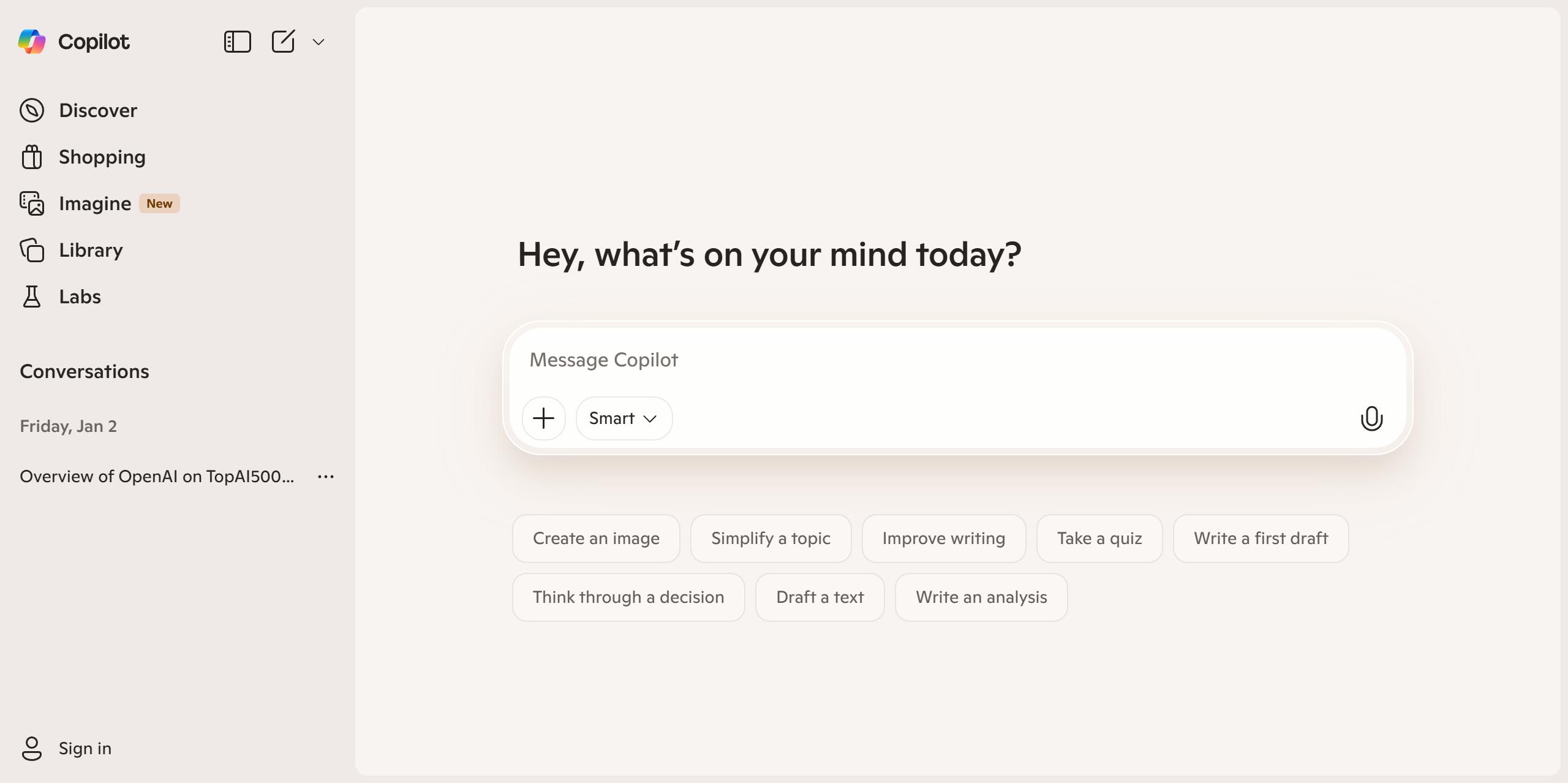
Microsoft Copilot
Below is a timeline summarizing the key phases of Copilot’s evolution:
| Period | Key Development |
|---|---|
| Mid-2023 | First introduced as a sidebar AI assistant in Windows 11. |
| Late 2023 | Renamed from “Bing Chat,” expanded to mobile apps, and integrated into Microsoft 365 apps like Word and Excel. |
| Early 2024 | Dedicated “Copilot key” added to Windows keyboards. |
| Early 2025 | Major update introduced features like Memory, Copilot Vision, and Actions, shifting focus to personalized AI. |
| Late 2025 | “AI PC” vision launched, with Copilot Voice, Vision, and Actions as core capabilities for Windows 11. |
Copilot exists in several versions with different features. The primary access points are the website copilot.microsoft.com, the Microsoft Edge sidebar, and dedicated mobile apps.
| Version | Access Method | Key Features |
|---|---|---|
| Copilot (Free) | Web, Mobile Apps, Edge | Text/voice/image chat, web search, image generation, document summarization. |
| Copilot Pro (Paid) | Subscription within Microsoft 365 apps | Priority access, enhanced AI features inside apps like Word, Excel, PowerPoint, and Outlook. |
| Copilot with Commercial Data Protection | Work/School account login | Enterprise-grade security: chat data not saved, not used to train models, and not accessible to Microsoft. |
The “Copilot with Commercial Data Protection” version is a major differentiator for businesses and institutions, as it ensures sensitive data is not leaked outside the organization.
In 2025, Microsoft introduced three advanced capabilities to make Windows a more proactive “AI PC”:
Copilot Voice: Use “Hey Copilot” for voice commands to open apps or adjust settings.
Copilot Vision: Lets Copilot “see” and analyze your screen to provide help with on-screen content, like guiding you through a software or summarizing a document.
Copilot Actions: Allows Copilot to take actions on your behalf with permission, such as creating a calendar event from an email or extracting data from a PDF.
Age Rating: Microsoft’s own rating is 13+, though app store ratings may differ.
Risks and Limitations: Potential issues include generating misinformation, privacy risks from its Memory feature, exposure to inappropriate content, and fostering over-reliance.
Commercial Reception: Despite heavy investment, it has faced criticism for being “not smart enough” in complex tasks, having high costs, and low perceived value among some enterprise users.
In summary, Microsoft Copilot represents a significant shift towards embedding AI into operating systems and productivity suites. It aims to be a versatile assistant for tasks ranging from simple questions to complex project work, with a strong emphasis on security for professional use.
I hope this detailed overview is helpful. If you are curious about a specific feature, such as how the Memory function works or more details on the Copilot Pro subscription, feel free to ask!