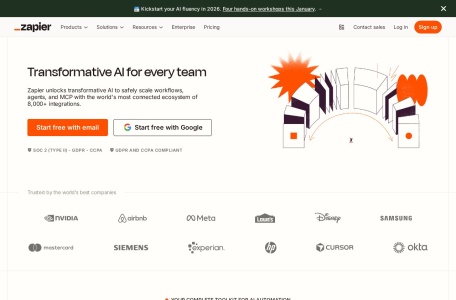
Zapier is a leading no-code automation platform that connects over 7,000 web applications, allowing individuals and businesses to create automated workflows, known as “Zaps,” without writing any code.
🔍 Core Concepts: How Zapier Works
Its functionality is based on a simple yet powerful “trigger-action” model:
Trigger: An event in one application (e.g., a new email in Gmail, a new row in a Google Sheet) that starts the automation.
Action: The task that is automatically performed in another application (e.g., creating a calendar event, sending a Slack message, adding a CRM record) once the trigger occurs.
Zap: The complete automated workflow that connects the trigger to one or more actions. More complex multi-step Zaps can include conditional logic (“Paths”) and data formatting.
⚙️ Key Features and Capabilities
Zapier is designed for ease of use and extensive connectivity.
Massive App Integration: Its key strength is its library of over 7,000+ supported applications, covering nearly every popular business, productivity, and communication tool.
AI and Advanced Tools: Beyond simple connections, Zapier is enhancing its platform with AI-powered features, including natural language interfaces and tools like Canvas for workflow planning and tools to build custom chatbots.
Built-in Utilities: It includes tools like Filters to control which data triggers a Zap, Formatters to modify data (like dates or text), and Webhooks for connecting to applications outside its official library.
Team Collaboration: Paid plans offer features for teams to share, manage, and collaborate on Zaps within an organization.
💰 Business Model and Pricing
Zapier operates on a freemium model and serves over 340万 businesses, including many large enterprises. Its pricing scales with usage:
Note: The free tier is generous for testing, but a common limitation across plans is that “tasks” (individual action executions) are metered. Complex automations can consume tasks quickly.
🆚 How It Compares to Other Automation Tools
When choosing an automation tool, it’s helpful to know Zapier’s position relative to alternatives like n8n (which we discussed earlier):
💎 Conclusion: Is Zapier Right for You?
Zapier excels as a user-friendly gateway into workflow automation, making it ideal for non-technical users and businesses that need to quickly connect a wide array of SaaS tools. Its main trade-off is less flexibility for highly complex, custom workflows compared to platforms like Make or n8n