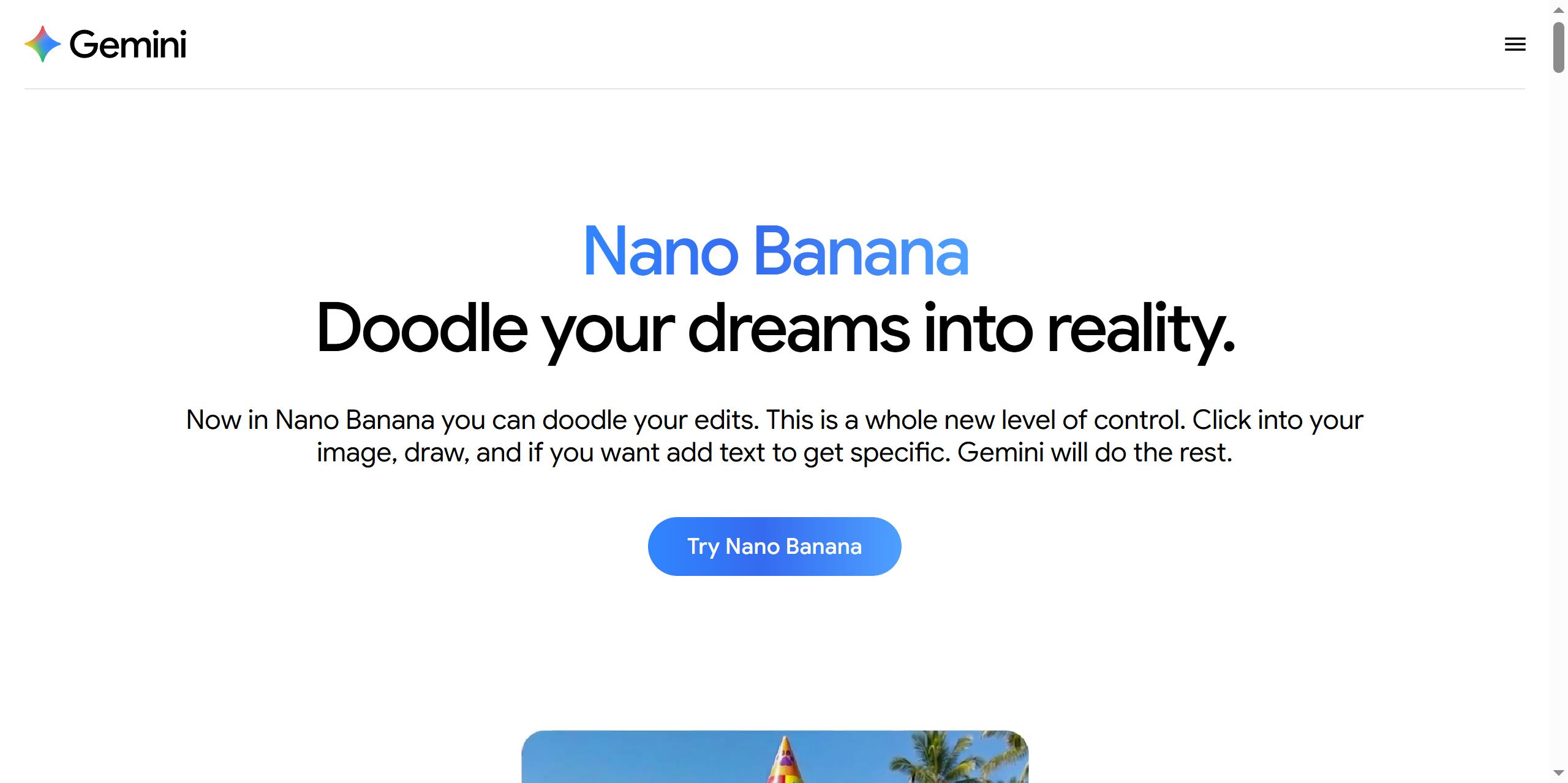
Nano Banana is a popular family of AI image generation and editing models developed by Google. It gained a viral following in 2025 for making high-quality, multi-edit image creation accessible and fast.
🤖 Core Models: Nano Banana vs. Nano Banana Pro
Google has released two main versions. The table below compares their key technical specifications:
✨ Key Features and Innovations
The models excel in several areas that enhance creative workflows:
Unmatched Speed and Interaction: It generates images in seconds, enabling a rapid “try, fail, adjust” creative process that feels more like a real-time conversation than a batch job.
Powerful Consistency: This is a standout feature. You can provide a reference image of a character, object, or style, and the model will maintain those features consistently across multiple new generations and edits, which was a major pain point in earlier AI image tools.
Intelligent Text Rendering: Unlike many models that produce garbled text, Nano Banana Pro can render clear, accurate text in multiple languages, including non-Latin scripts like Chinese, directly within the image. This makes it practical for creating posters, ads, and product mockups.
Advanced Multi-Image Fusion & Editing: You can upload multiple images (up to 14 for the Pro version) and have the model intelligently blend styles, subjects, and concepts into a single, coherent output. Its natural-language editing allows for precise changes like swapping backgrounds or adjusting lighting.
📈 Practical Applications and Use Cases
The tool has found wide adoption across various fields for its efficiency and quality:
E-commerce & Marketing: Creating product mockups, lifestyle photos, and multilingual advertising materials at a fraction of the cost of traditional photoshoots.
Content Creation & Social Media: Rapidly generating brand-consistent visuals, social media templates, and character-driven content.
Professional Design: Integrated into tools like Adobe Photoshop, Figma, and Canva, it assists with ideation, prototyping, and asset creation within familiar workflows.
Enterprise & Development: Available via API and Google’s Vertex AI platform for businesses to build custom applications.
💡 Getting the Best Results
Here are some best practices for using Nano Banana effectively:
Use a Structured Prompt: Format your request as: [Subject/Action] + [Style/Medium] + [Setting/Ambiance] + [Technical Specs] + [Mood/Emotion].
Leverage Reference Images Strategically: Use the first few reference slots for the most critical elements (like main character or primary style), and the rest for subtle refinements.
Be Specific with Text: When asking for text in an image, specify placement, font style, and purpose (e.g., “title,” “watermark”) for the best results.
Avoid Common Pitfalls: Steer clear of overly vague descriptions, conflicting style requests, or prompts that demand physically impossible scenes.
🔮 Conclusion and Strategic Position
Nano Banana’s viral success has been compared to a “ChatGPT moment” for AI image generation, significantly lowering the barrier to high-quality visual creation. Its strength lies in combining Google’s world knowledge and reasoning (from the Gemini models) with specialized image generation capabilities, resulting in a tool that is not just an image generator but a collaborative creative agent.