Automating Your Email Marketing with OpenClaw: A ChatGPT & Midjourney Guide
Are you tired of staring at a blinking cursor on Friday afternoons, struggling to come up with a catchy subject line and engaging visuals for your weekly newsletter? You are not alone. For many small business owners and content creators, email marketing is a necessary evil—it takes hours to draft, design, and polish, often yielding lackluster results.
But what if you could automate the heavy lifting? Imagine turning a single product idea into a polished, professional email campaign complete with persuasive copy and stunning visuals in less than 30 minutes. That is the power of combining ChatGPT and Midjourney. In this guide, I will walk you through the “OpenClaw” workflow—a strategy I use to automate email marketing creation, saving time while boosting engagement.

Preparation: What You Need to Get Started
Before we dive into the automation magic, let’s ensure your toolkit is ready. You don’t need to be a coding expert or a professional designer; you just need the right accounts.
- ChatGPT Account: Ideally, the Plus version (GPT-4) is recommended for more nuanced and creative copy, though the free version (GPT-3.5) can work for simple drafts.
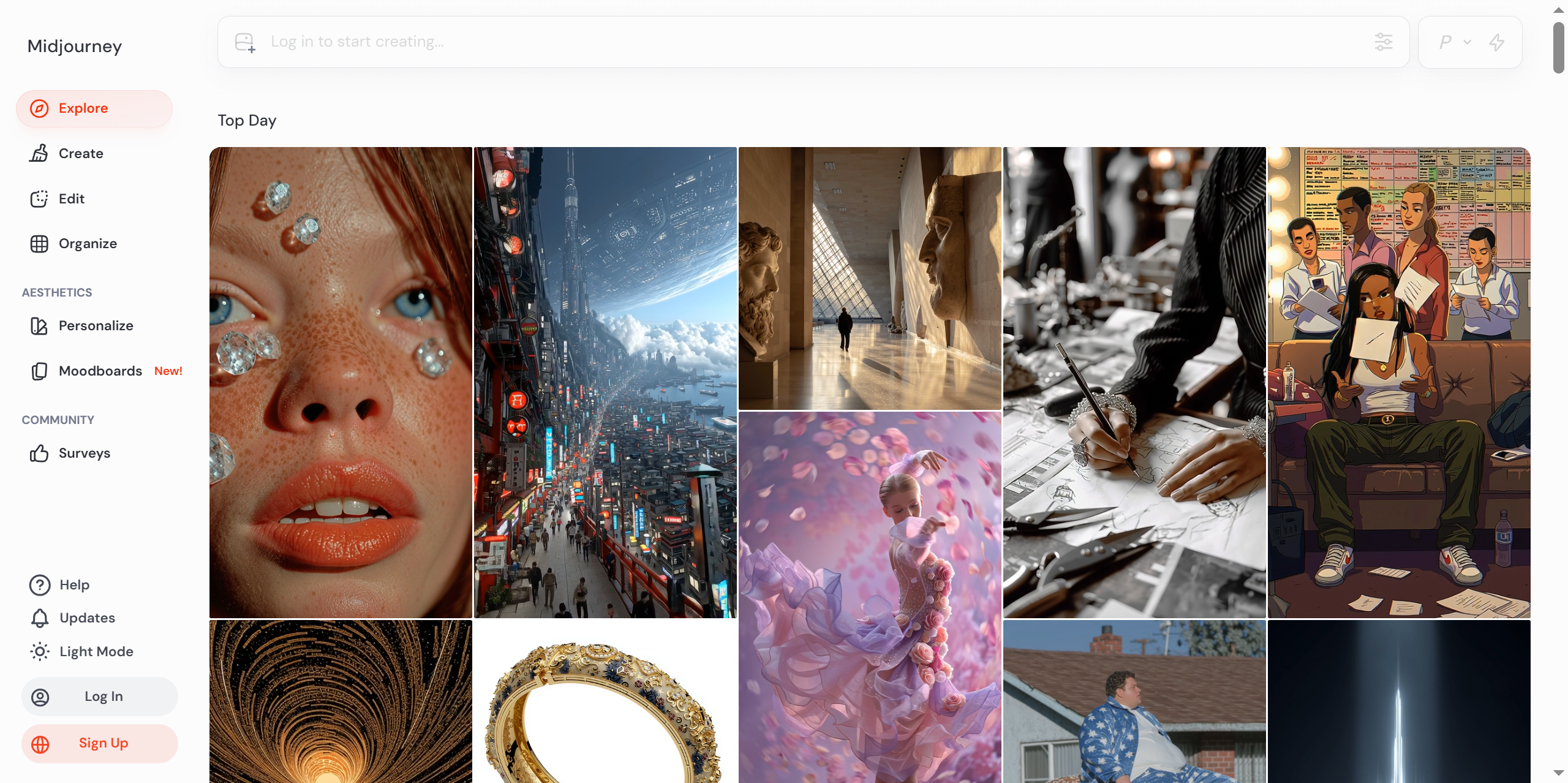
- Midjourney Account: You will need a Discord account and a subscription to Midjourney (Basic plan is sufficient to start).
- Canva Account (Free or Pro): We will use this as our “glue” to assemble the final email layout.
- A Clear Goal: Know what you are promoting. Is it a blog post, a product launch, or a webinar?
Expert Tip: Keep your browser tabs organized. Have ChatGPT, Midjourney (via Discord), and Canva open in separate windows to streamline the workflow.
Step-by-Step Tutorial: The OpenClaw Workflow
We will break this down into three manageable phases: Strategy & Copy, Visual Generation, and Assembly.
Step 1: Crafting High-Converting Copy with ChatGPT
The hardest part of email marketing is the writing. We will use ChatGPT to act as your senior copywriter.
The Operation:
Instead of asking ChatGPT to “write an email,” we need to give it a specific persona and context. This ensures the tone matches your brand voice.
Prompt Example:
Act as a world-class email marketing strategist. I am launching a new eco-friendly coffee mug called "EarthSip."
Target Audience: Environmentally conscious professionals aged 25-40.
Goal: Drive traffic to the product page to increase pre-orders.
Tone: Friendly, urgent, and slightly witty.

Please write:
1. Three catchy subject lines (under 50 characters).
2. A preview text.
3. The email body copy (max 200 words) focusing on the pain point of plastic waste.
My Commentary:
I included a specific “Role” (Act as…) because it drastically changes the quality of the output. Without it, ChatGPT writes generic text. By limiting the word count and defining the pain point, we get copy that is ready to use, not just a rough draft.
Step 2: Generating Eye-Catching Visuals with Midjourney
Now that we have the words, we need the pictures. Stock photos are often recognizable and boring. Midjourney allows us to create custom imagery that fits our exact copy.
The Operation:
We need an image that fits the standard email header dimensions. A 3:1 aspect ratio is usually perfect for email banners.
Prompt Example:
/imagine prompt: professional product photography of a sleek eco-friendly ceramic coffee mug, green matte finish, surrounded by lush green leaves and morning sunlight, soft studio lighting, minimalist composition, --ar 3:1 --v 6.0 --style raw
My Commentary:
Notice the parameters at the end:
--ar 3:1: This sets the Aspect Ratio to wide, perfect for email headers.--v 6.0: This ensures we use the latest version of Midjourney for photorealism.--style raw: This reduces Midjourney’s default artistic embellishment, making it look more like a real photo, which is crucial for product marketing.
Step 3: Assembly and Polish with Canva
We have the ingredients; now we cook the meal. We will use Canva as our visual editor.
The Operation:
- Open Canva and search for “Email Header” templates.
- Select a clean, minimalist template.
- Upload your Midjourney-generated image and place it at the top.
- Copy the text from ChatGPT and paste it into the text boxes.
- Crucial Step: Adjust the colors to match your brand.
My Commentary:
Why use Canva if AI can do everything? Because email clients (Outlook, Gmail, Apple Mail) are notoriously picky about HTML. Using a tool like Canva ensures your layout remains consistent across different devices. It also allows you to add that “human touch”—like your logo and a “Subscribe” button—that AI often misses.
Key Techniques & Pitfall Avoidance
Through testing the OpenClaw workflow repeatedly, I have identified a few common traps that beginners often fall into.
- The “Robotic” Tone Trap: AI text can sometimes feel too perfect. Solution: Always read the copy aloud before sending. If it sounds like a textbook, ask ChatGPT to “rewrite this with more slang” or “make it sound more human.”
- Inconsistent Visuals: If your brand is serious, don’t let Midjourney generate a cartoonish image. Solution: Use keywords like “photorealistic,” “minimalist,” or “8k resolution” in your prompts to maintain brand integrity.
- Ignoring Spam Filters: Using words like “Free,” “Buy Now,” or excessive exclamation points can trigger spam filters. Solution: Ask ChatGPT to “optimize this email for deliverability and avoid spam trigger words.”
Pro Tip: Always double-check the spelling within your AI-generated images. Midjourney v6 is great at text, but it still makes mistakes. If the image contains text, verify it character by character.
Results Showcasing & Advanced Ideas
By following this workflow, you transform from a stressed marketer staring at a blank screen to a creative director in minutes. The final output is a cohesive email campaign where the visuals and text tell a unified story.
The Result:
- Subject Line: “☕ Ditch the plastic, friend.”
- Visual: A hyper-realistic, custom banner of your mug in a jungle setting.
- Body: Punchy, 150-word copy that leads directly to a checkout page.
Where to go from here?
Once you master this, you can scale up.
- A/B Testing: Generate two different copies and two different images. Send version A to 50% of your list and version B to the other half to see what performs better.
- Dynamic Content: Use ChatGPT to generate personalized opening lines based on the recipient’s industry or name.
Interaction & Further Reading
AI is changing the landscape of digital marketing rapidly. The best way to learn is by doing.
Question for you: What is the biggest bottleneck in your current marketing workflow? Is it writing, designing, or something else? Let me know in the comments below!
If you found this guide helpful, you might enjoy these other articles:
Tutorials# AI email marketing# Canva AI workflow# ChatGPT tutorial# generative AI for professionals# marketing automation# Midjourney for Business# OpenClaw method
© Copyright notes
The copyright of the article belongs to the author, please do not reprint without permission.
Related posts


No comments...