From Blank Page to Published Story: Create a Children’s Book with ChatGPT & Midjourney
Have you ever stared at a blank cursor, itching to tell a story but feeling completely stuck? Maybe you have a whimsical idea for a children’s book about a space-traveling cat, but you can’t draw a stick figure, and the words just won’t flow. You are not alone. The “Blank Page Syndrome” is a creativity killer, and the lack of artistic skills often stops brilliant stories before they even begin.
But what if I told you that you could go from a vague idea to a fully illustrated, professionally formatted storybook in a single afternoon? You don’t need to be a bestselling author or a Picasso. With the right AI workflow, you can harness the power of ChatGPT for writing and Midjourney for illustration to create something magical.
In this guide, I will walk you through the exact process of creating a children’s storybook titled The Starry Cat. By the end, you will have a complete story with matching illustrations and the know-how to publish it or share it with the world.
Preparation: Gather Your Tools
Before we dive into the creative process, let’s ensure your toolkit is ready. This workflow relies on a synergy between text generation and image generation.
- ChatGPT (Plus recommended): We will use this for brainstorming, outlining, and writing the actual story. The GPT-4 model produces significantly better creative writing than the free version.
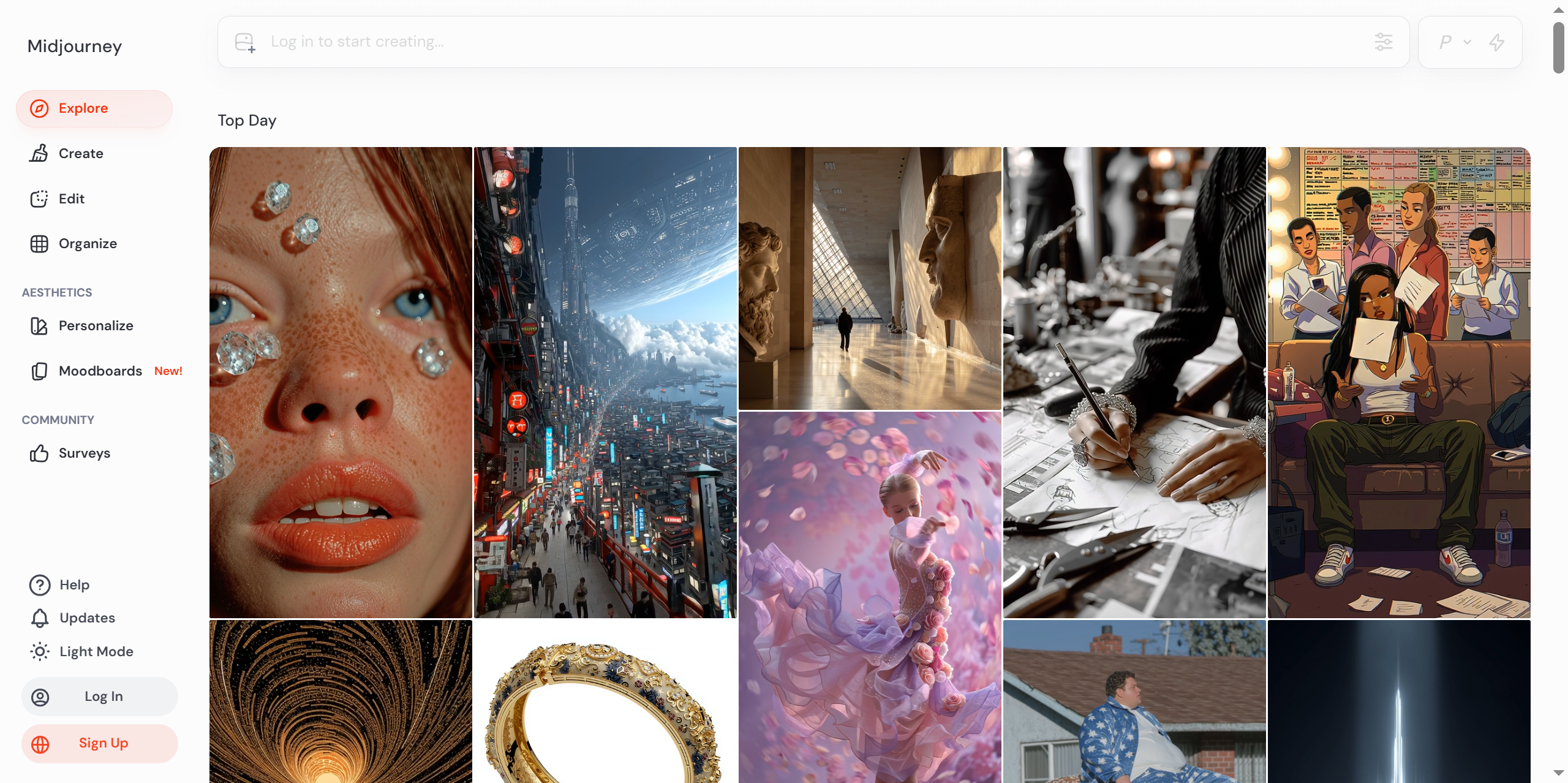
- Midjourney: This is a powerful AI image generator accessible via Discord. It will create the illustrations for our book.
- Canva (Free version works): We will use this to layout the text and images into a final book format.
- A Stable Internet Connection: Essential for running these cloud-based tools.
Note: While you can use the free versions of ChatGPT and Midjourney, the paid subscriptions (ChatGPT Plus and Midjourney Basic Plan) offer faster speeds and higher quality outputs, which makes the creative process much smoother.
Step-by-Step Tutorial: Building Your Storybook
We will break this down into four manageable phases: Conceptualization, Drafting, Illustrating, and Assembly.
Step 1: Brainstorming and Outlining with ChatGPT
The first mistake many beginners make is asking ChatGPT to “write a story” immediately. This usually results in generic, cliché text. Instead, we need to collaborate with the AI to build a solid foundation.
Operation:
- Open ChatGPT.
- Set a “System Prompt” to define the AI’s role.
- Ask for a structured outline based on your core idea.
Prompt Example:
Act as an expert children's book author and editor. I want to write a short picture book for children aged 5-7 about a cat who travels to Mars to find the ultimate ball of yarn.

First, ask me 3 questions to refine the plot. After I answer, create a detailed 5-page outline including the plot point for each page and a visual description for the illustration on that page.
My Commentary:
Why ask questions first? This forces ChatGPT to pause and wait for your input, making the story feel more like yours and less like a generic template. Once you answer its questions, it will generate a roadmap that ensures the story has a beginning, middle, and end.
Step 2: Writing the Narrative
Now that we have our outline, we can write the actual text. We will do this page by page to maintain control over the pacing.
Operation:
- Refer to the outline generated in Step 1.
- Prompt ChatGPT to write the text for Page 1, keeping it simple and rhythmic (perfect for kids).
Prompt Example:
Based on our outline, please write the text for Page 1. Keep the sentences under 10 words, use simple vocabulary suitable for a 5-year-old, and make it rhyme slightly. Focus on setting the scene.
My Commentary:
Writing in short bursts is crucial. If you ask for the whole book at once, the AI might lose the plot or change the tone halfway through. By constraining the word count and asking for rhymes, we guide the AI to produce content that is fun to read aloud.
Pro Tip: If the text is too complex, just type “Simpler, please” or “Make it sound more like Dr. Seuss.” ChatGPT is excellent at iterating on style.
Step 3: Generating Illustrations with Midjourney
This is where the magic happens. We will take the “visual descriptions” from our outline and turn them into art.
Operation:
- Open Discord and enter the Midjourney bot channel.
- Use the
/imaginecommand. - Construct a prompt using the visual description + art style parameters.
Prompt Example:
/imagine prompt: A cute orange tabby cat wearing a tiny silver space helmet, looking out a round spaceship window at a red planet Mars, stars in the background, digital painting, soft whimsical style, storybook illustration --ar 3:4 --v 6.0 --stylize 250
My Commentary:
Midjourney requires specific “recipes” to look good.
- Subject: “Cute orange tabby cat…”
- Style: “Digital painting, soft whimsical style…” (This prevents it from looking like a photorealistic cat, which doesn’t fit a kids’ book).
- Parameters:
--ar 3:4sets the aspect ratio to a vertical book page shape.--v 6.0ensures we use the latest model.
Once the images generate, pick the best one (usually U1, U2, U3, or U4 to upscale) and save it to your computer.
Step 4: Layout and Design in Canva
We have the words and the pictures. Now, let’s put them together.
Operation:
- Open Canva and search for “A4 Document” or “Children’s Book Template.”
- Create a cover page using your best Midjourney image and a fun font.
- For each story page, drag and drop the text and the corresponding image.
My Commentary:
Don’t overcomplicate the design. White backgrounds with large, readable fonts (like Comic Sans or a rounded serif) work best for children. Ensure the text contrasts well with the background. If the image is busy, put a semi-transparent white box behind the text.
Key Techniques and Pitfalls to Avoid
As an AI expert, I’ve made plenty of mistakes so you don’t have to. Here are my top tips for keeping your project on track.
1. Maintaining Character Consistency
One of the hardest parts of AI illustration is keeping the character looking the same on every page.
- The Fix: In Midjourney, generate your character first. Then, use that image as a reference (drag and drop the image URL into the prompt) or use a specific “Seed” number. However, for beginners, simply describing the character in exact detail (e.g., “blue eyes, red scarf”) in every prompt is the easiest way to maintain consistency.
2. Avoiding “Hallucinations”
Sometimes ChatGPT might write about a dog when your story is about a cat.
- The Fix: Always keep your outline open in a separate window. Before generating the text for Page 3, paste the context from Page 2 into the chat window to remind the AI of the current situation.
3. Copyright and Ethics
- The Fix: Be aware that while you can use the images for personal projects, commercial rights vary depending on your Midjourney subscription tier. Always check the latest Terms of Service.
Final Result and Next Steps
After following the steps above, you should have a vibrant PDF storybook featuring The Starry Cat. You can print this out, email it to friends, or even upload it to Amazon KDP.
Advanced Ideas
Ready to take it further?
- Animation: Use tools like Runway Gen-2 or D-ID to animate your Midjourney images and make the characters blink or move.
- Voiceover: Use ElevenLabs to generate a realistic narration of the text and create an audiobook version.
Let’s Keep the Conversation Going
I hope this guide helps you break through that creative block! Now, I want to hear from you.
What is the story you have always wanted to tell but never felt you had the skills to create? If you could combine two AI tools to make something new, what would they be? Leave a comment below and let’s brainstorm together.
Further Reading
If you enjoyed this tutorial, you might love these articles:
Tutorials# AI creative writing# AI illustration# AI workflow for beginners# Canva design tips# ChatGPT tutorial# generative AI art# how to make a children's book# Midjourney Guide# self-publishing with AI# storytelling with AI
© Copyright notes
The copyright of the article belongs to the author, please do not reprint without permission.